What is SSD and Why is it Important?
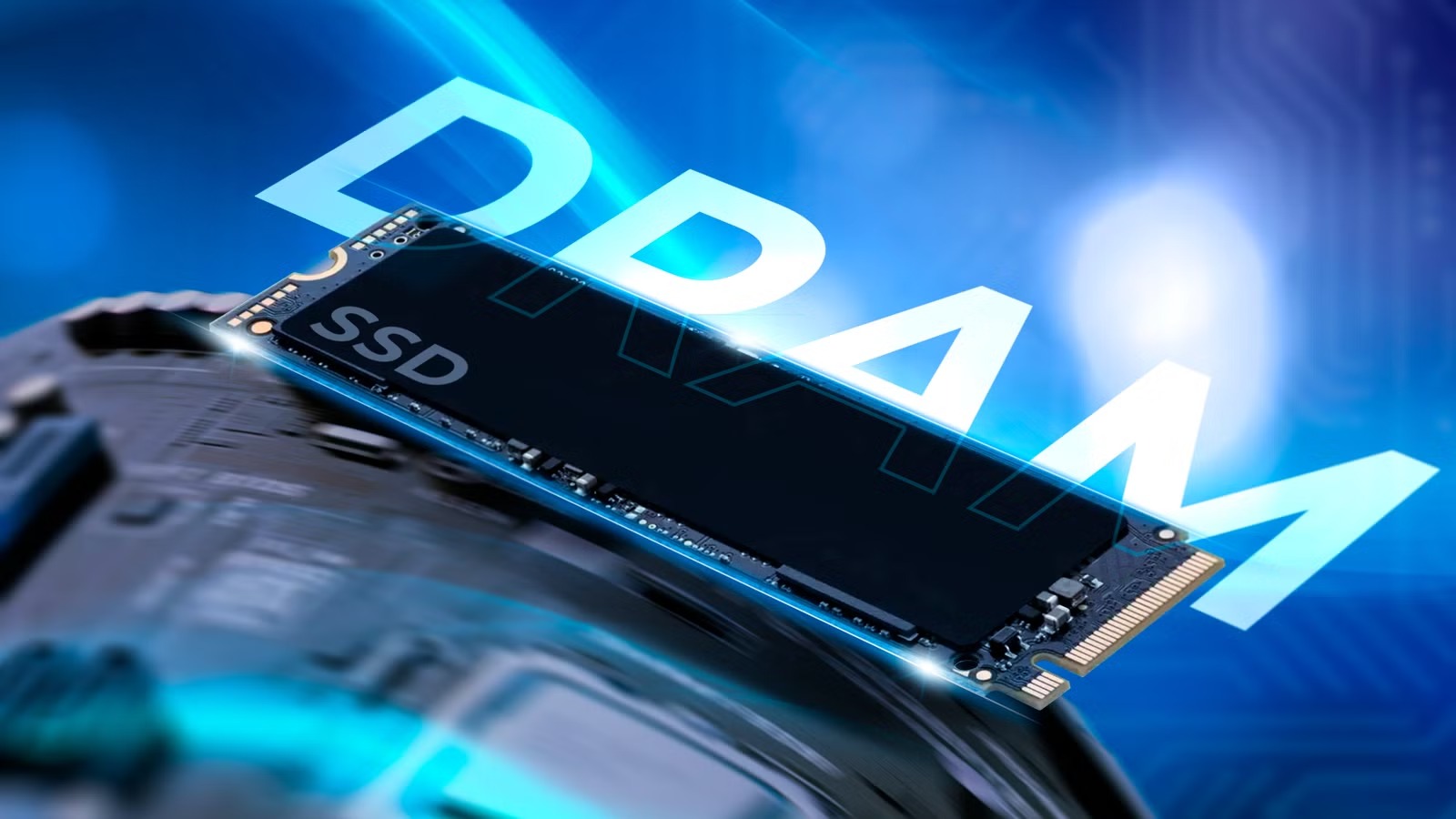
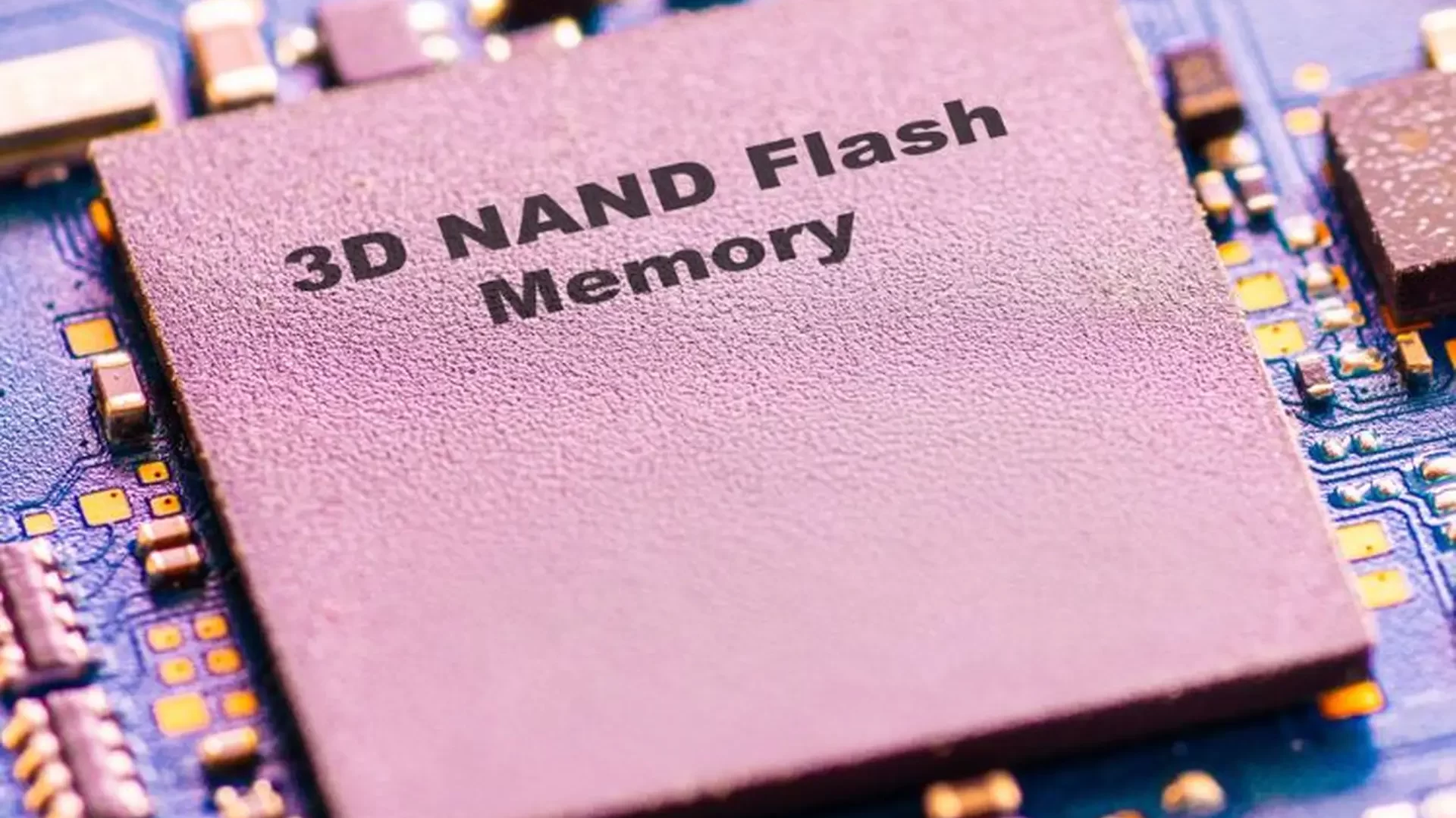
An SSD (Solid State Drive) is a storage device that uses NAND flash memory to store data, unlike traditional hard drives that rely on spinning disks.
If you’re wondering what is SSD, it’s important to understand that SSDs are not just faster storage—they represent a fundamental shift in how data is stored and accessed.
Key benefits of SSD:
- Ultra-fast read and write speeds
- No moving parts → higher durability
- Lower power consumption
- Compact form factors
Real-World Impact of SSD Performance
Understanding what is SSD also means recognizing its impact on performance:
- Faster boot times for operating systems
- Reduced latency in applications
- Improved responsiveness in AI and cloud workloads
- Better efficiency in data-intensive environments
In modern computing, SSDs are no longer optional—they are essential.
SSD Architecture and How It Works
To fully understand what is SSD, you need to look inside its architecture.
Core components:
- NAND Flash: Stores data persistently
- Controller: Manages read/write operations
- DRAM Cache: Improves performance (optional)
- Firmware: Controls data management algorithms
How SSD works:
- Data is stored in flash memory cells
- The controller optimizes data placement
- Wear leveling extends lifespan
- Error correction ensures data integrity
SATA vs NVMe vs M.2 – What’s the Difference?
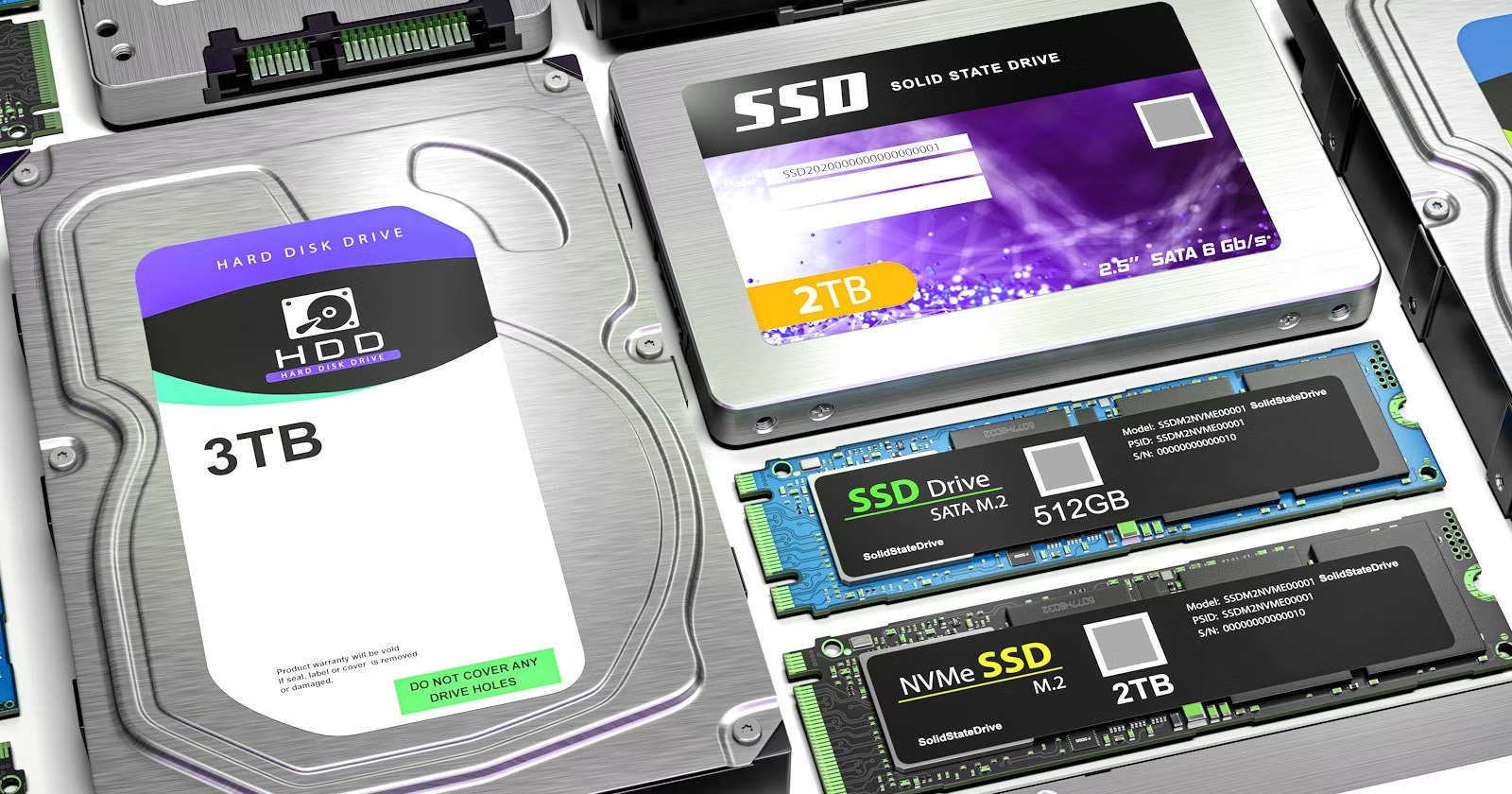
One of the most common questions when learning what is SSD is understanding the different interfaces.
SATA SSD
- Legacy interface
- Max speed: ~550 MB/s
- Widely compatible
NVMe SSD (PCIe)
- Uses PCIe interface
- Much higher bandwidth
- Designed for high-performance workloads
M.2 Form Factor
- Physical size, not a protocol
- Supports both SATA and NVMe
SSD Speed Comparison Table (Featured Snippet Target)
| SSD Type | Interface | Read Speed | Write Speed | Use Case |
|---|---|---|---|---|
| SATA SSD | SATA III | ~500 MB/s | ~450 MB/s | General use |
| NVMe Gen3 | PCIe 3.0 | ~3,500 MB/s | ~3,000 MB/s | Gaming, workstation |
| NVMe Gen4 | PCIe 4.0 | ~7,000 MB/s | ~6,500 MB/s | AI, servers |
| NVMe Gen5 | PCIe 5.0 | 10,000+ MB/s | 9,000+ MB/s | Data centers |
This comparison clearly shows how SSD technology scales with performance needs.
Consumer vs Industrial vs Enterprise SSD
Not all SSDs are created equal.
Consumer SSD
- Affordable
- Suitable for laptops and desktops
- Moderate endurance
Industrial SSD
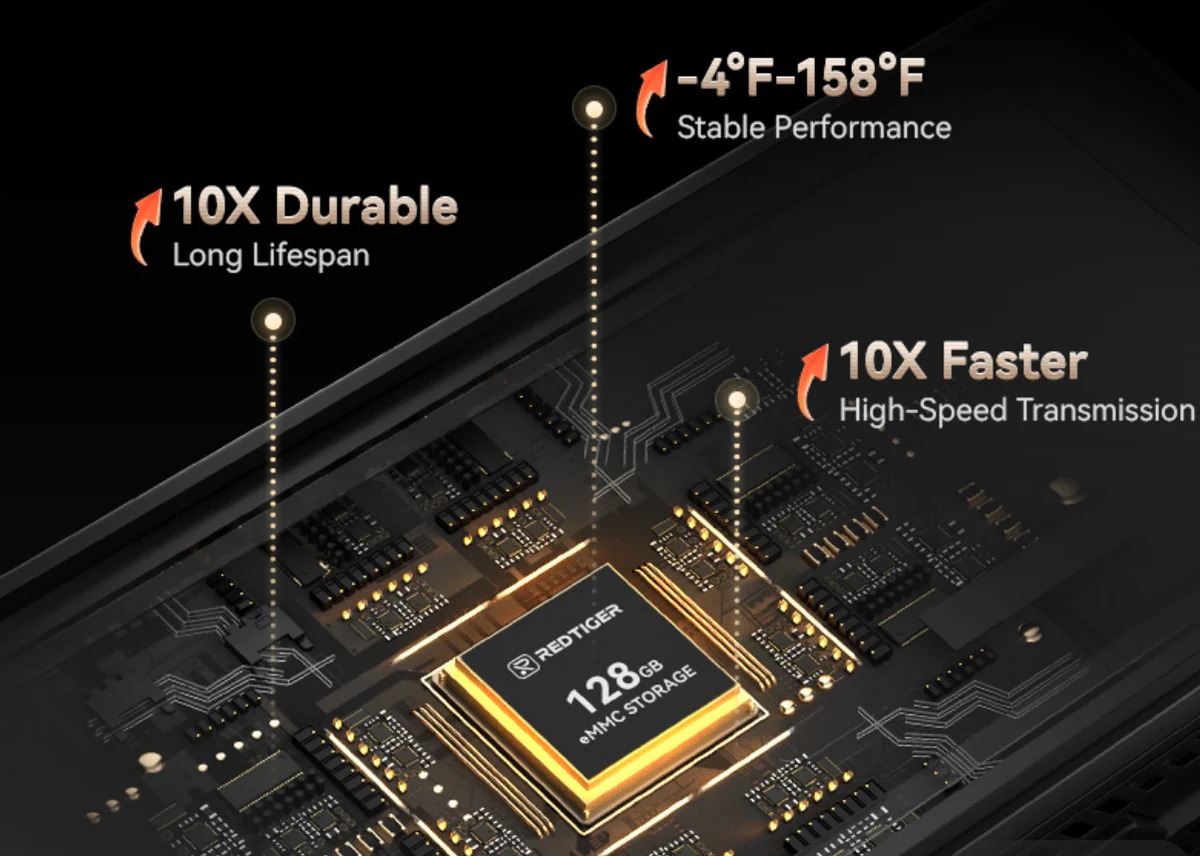
- Designed for harsh environments
- Resistant to temperature, vibration
- Used in IoT, automation, embedded systems
Enterprise SSD
- High endurance (TBW)
- Optimized for 24/7 workloads
- Used in servers and data centers
Understanding these categories is essential when deciding what is SSD for your specific application.
SSD in Data Centers and AI Workloads (2025 Trends)
SSD plays a crucial role in modern infrastructure.
Why SSD is critical for AI:
- Handles massive datasets
- Reduces latency
- Enables faster model training
Use cases:
- Cloud storage
- AI training pipelines
- Big data analytics
Industry trends:
- Rapid adoption of NVMe Gen4/Gen5
- Growth of QLC SSD for large-scale storage
- Increasing demand in hyperscale data centers
How to Choose the Right SSD (Step-by-Step Guide)
Step 1: Define your use case
- Office → SATA SSD
- Gaming → NVMe Gen3/Gen4
- Server → Enterprise NVMe
Step 2: Choose capacity
- 256GB–512GB: basic
- 1TB–4TB: advanced workloads
Step 3: Check endurance (TBW)
- Critical for servers and AI
Step 4: Verify compatibility
- SATA or PCIe support
Step 5: Select trusted brands
- Samsung
- Micron
- Kioxia
Frequently Asked Questions (FAQ)
What is SSD and how is it different from HDD?
SSD uses flash memory and is significantly faster and more reliable than HDD.
Is NVMe better than SATA?
Yes, NVMe offers much higher performance and lower latency.
How long do SSDs last?
It depends on usage and endurance rating (TBW), but modern SSDs are highly durable.
Which SSD is best for servers?
Enterprise NVMe SSDs are the best choice for performance and reliability.
Conclusion
Now that you understand what is SSD, you can make informed decisions when choosing between SATA, NVMe, and different SSD categories.
SSDs are the foundation of modern computing, powering everything from personal devices to AI-driven data centers.
At Pionix, we provide end-to-end SSD solutions tailored for enterprise, industrial, and embedded applications.
👉 Connect us today to find the right SSD solution for your system.